Shino TV FAQ background
Help & Information

Frequently Asked Questions

Find answers about Shino TV subscription periods, supported devices, compatible IPTV players, setup, sports programming, order processing, streaming quality and refunds.

Shino TV Support

Everything you need to know

All subscription periods include the same service features. The main differences are the subscription duration and the number of devices selected.

All subscription periods include the same service features, including:

  • +25,000 LIVE TV
  • +100,000 Movies & Series
  • Premium Channels
  • Sport Channels & PPV
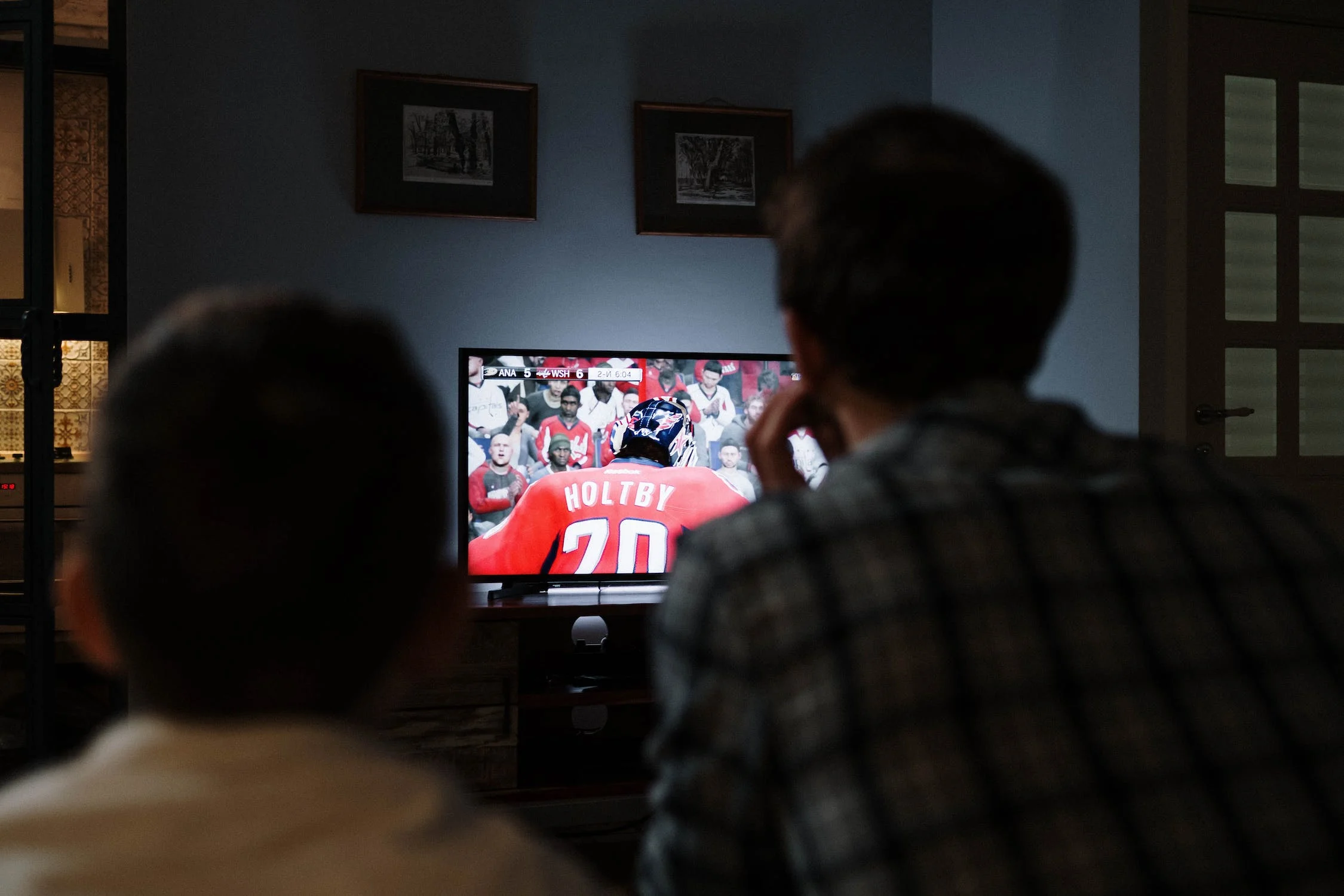
  • Sports programming associated with NHL, NFL, MLB, NCAAF and more
  • EPG TV Guide
  • Catch-Up TV
  • 4K, FHD, HD and SD quality options where supported

No. The service features are the same across the subscription periods. The differences are the length of the subscription and the number of devices selected.

Available subscription periods include 1 month, 3 months, 6 months and 1 year.

The website offers subscription options for 1 device, 2 devices and 3 devices. Use only the number of simultaneous devices included with the option you selected.

Shino TV can be configured on many compatible devices, including Firestick TV, Smart TV, Android TV / TV Box, MAG devices, smartphones, tablets, Windows computers and Mac computers.

Compatible players can include TiviMate, IPTV Smarters Pro, IBO Player, IBO Player Pro, SetIPTV, NetIPTV and other IPTV applications that support the subscription format provided to you.

Player availability and compatibility depend on your device and operating system.

Shino TV provides subscription access and setup information. Third-party IPTV applications are separate products and may have their own availability, licensing, pricing, or premium features.

Yes. Firestick TV is one of the commonly used compatible device types. Visit the Tutorial page for setup guidance.

Yes, on compatible Smart TVs using a supported IPTV application. Available apps depend on the TV brand, operating system and app store.

The service includes sports-channel categories and PPV programming. Sports programming may include channels associated with competitions and leagues such as NHL, NFL, MLB, NCAAF and other sports categories.

Premium channel categories are included as part of the service lineup. References to third-party channels, networks or brands do not imply ownership, sponsorship or affiliation.

EPG means Electronic Program Guide. It can display channel schedules and program information inside compatible IPTV applications.

Catch-Up TV allows compatible content to be viewed after its original broadcast time. Availability may depend on the content source and player functionality.

A stable broadband connection is recommended. Higher-resolution streaming generally requires a faster and more stable connection than SD or HD.

Wi-Fi quality, ISP conditions, your device and your IPTV player can also affect playback performance.

Temporary playback issues can be caused by internet fluctuations, Wi-Fi quality, device or app configuration, ISP issues, temporary source interruptions, or maintenance.

If the issue continues, contact support with the affected device, application and channel information.

After payment verification and order processing, the subscription and setup information is sent using the contact information provided during the order.

Orders are normally processed after payment verification. Delivery is typically within 5 minutes to 6 hours, although processing time can sometimes be longer.

Please check your inbox and spam folder before contacting support.

Available payment options are shown on the order or checkout page when you continue with your purchase.

Full refund requests must generally be submitted within 7 days of the original purchase date and are subject to the conditions in the published Refund Policy.

Technical problems should first be reported so support has a reasonable opportunity to troubleshoot them. After 7 days, only a partial refund may be considered in appropriate cases.

Read the complete Refund Policy.

Yes. If you do not want adult content, you can request that it be excluded when contacting support or when providing your order information.

A VPN is not automatically required. Device, network, ISP and local requirements can differ.

Shino TV does not recommend using a VPN to bypass legal, licensing, platform or network restrictions.

Yes. You can purchase another subscription period when your current subscription is approaching expiration. Contact support if you need help with renewal.

Visit the Tutorial page for setup guides covering Firestick TV, Android, Apple / iOS, Smart TV, Windows and Mac.

No affiliation should be assumed. Third-party names are referenced only to describe device compatibility, IPTV-player compatibility, sports categories or related service information.

All trademarks and third-party names belong to their respective owners.

Important: Streaming performance depends on factors such as your internet connection, Wi-Fi quality, device and IPTV application. Third-party device, player, channel, network and sports names are used for descriptive or compatibility purposes only and do not imply affiliation or endorsement. Review the Terms of Service, Refund Policy and Privacy Policy before ordering.

Still need help?

Contact support for order, compatibility or setup questions.

Contact Support